
Home / Guides
DivX Player guides
Nine practical guides, from installing the software to organising a video collection. Each one is written to be followed with DivX Player open beside it.
-
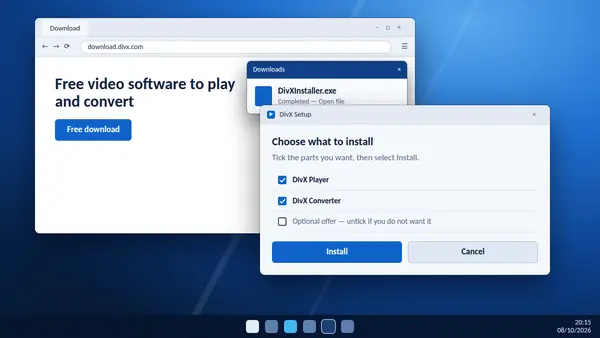
How to download and install DivX Player
From the download button to your first video: what each installer screen asks and what to choose.
Read full guide -
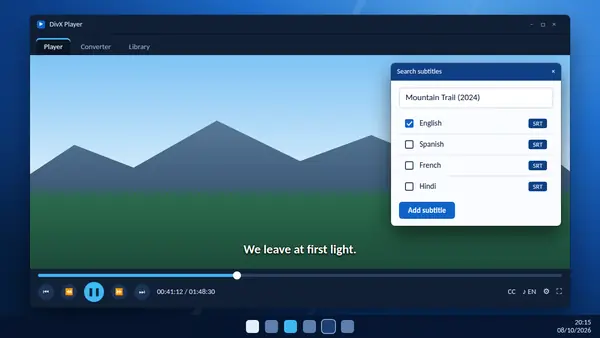
How to add subtitles in DivX Player
Search for subtitles by title, load a file of your own and change how the text looks on screen.
Read full guide -
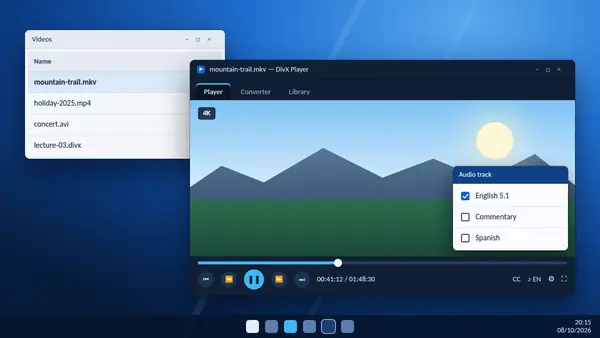
How to play MKV files with DivX Player
Open MKV videos, switch audio tracks and subtitles, use chapters and smooth out stutter.
Read full guide -
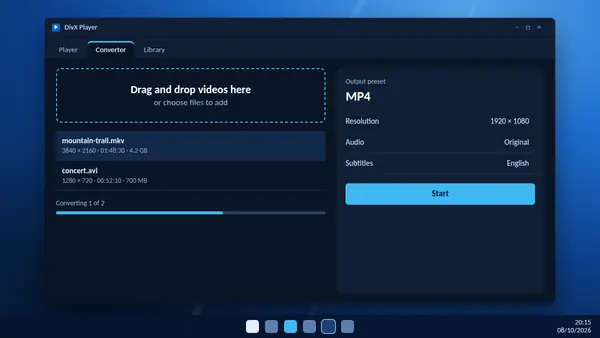
How to convert video to MP4 with DivX
Drag a file in, pick the MP4 preset and start. Plus the settings worth knowing about.
Read full guide -
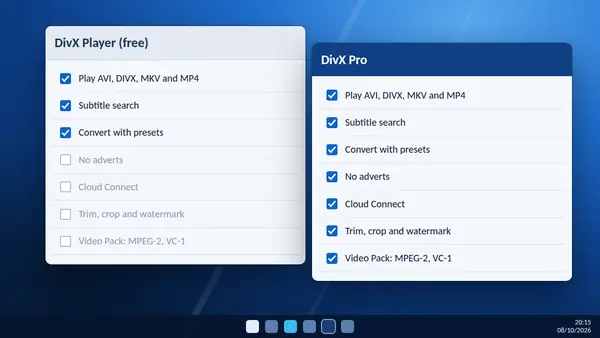
DivX Player free vs DivX Pro: what is the difference?
What the free version includes, what Pro adds, and how to tell whether you need it.
Read full guide -
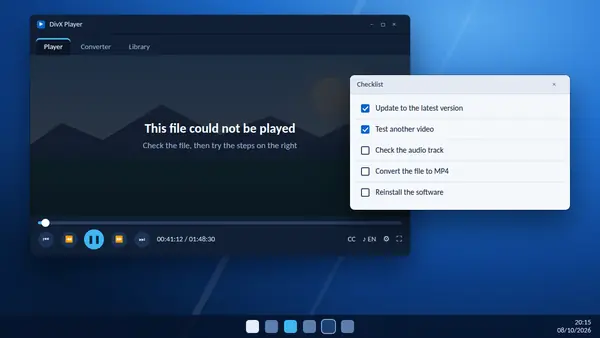
How to fix DivX Player playback problems
Video will not open, no sound or stuttering? Work through these checks in order.
Read full guide -
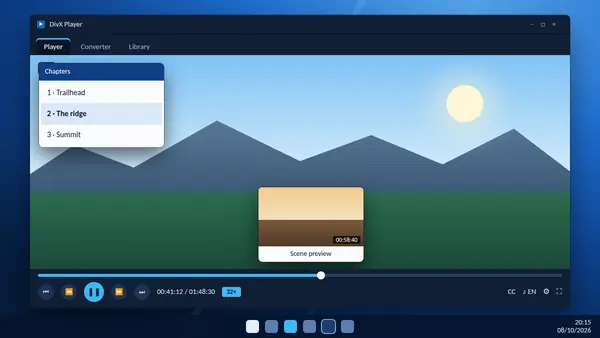
DivX Player playback controls explained
Scene thumbnails, 32x fast-forward, frame stepping, chapters and how to pin the buttons you use.
Read full guide -
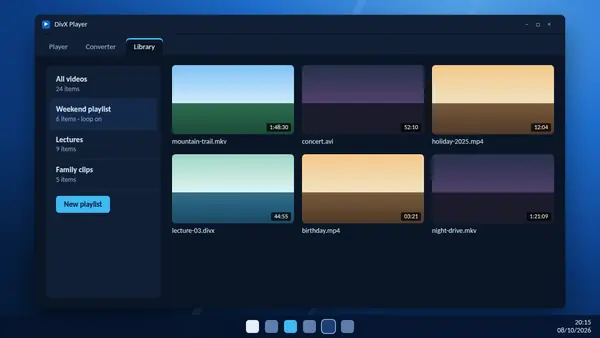
DivX Player library and playlists: organise your videos
Add your videos, build playlists that loop, and send files to the converter from one place.
Read full guide -
Is DivX Player safe? What to check before you install
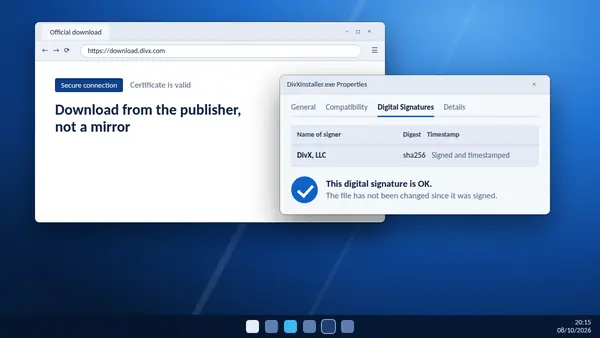
Who makes it, how to check that your installer is genuine and what to watch for during setup.
Read full guide
Ready to watch?
The download is free and comes straight from the DivX server.