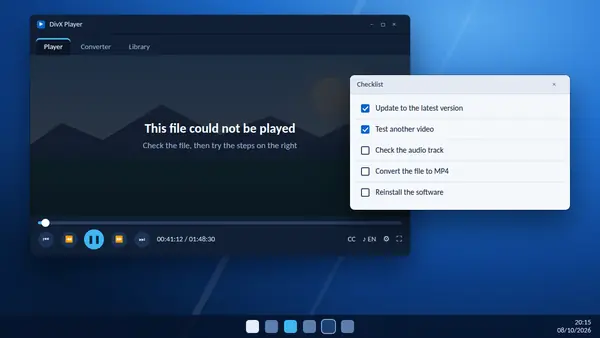
Most playback problems have a short list of causes. Work through the sections below in order. Each one starts with the quickest check.
The video will not open
- Test another file. If other videos play, the problem is that one file. It may be incomplete or damaged, so download or copy it again.
- Check the format. DivX Player is built for AVI, DIVX, MKV and MP4. Unusual formats may need converting first.
- Purchased DivX VOD titles. Protected films bought through DivX VOD play only in DivX Software 11.0.1 and earlier. Current versions do not support them.
- HEVC on a Mac. HEVC playback is currently unavailable in DivX 11 for Mac.
The picture stutters or freezes
- Close browsers and other heavy programs.
- Copy the file to an internal drive. Network shares and slow USB sticks cannot always keep up with 4K video.
- Update your graphics driver from the manufacturer's website.
- Install the latest DivX release. Version notes regularly list playback fixes.
- On an older PC, convert the file to 1080p or 720p with the built-in converter.
There is no sound
- Raise the volume inside the player and check that Windows or macOS is not muted.
- Open the audio menu and choose another track. The default may be a commentary or a format your setup cannot play.
- Check the output device. If headphones or a television are connected, sound may be going there.
- Some surround formats are part of DivX Pro.
Sound and picture are out of step
Stop the video and start it again from a few seconds earlier. If the gap remains in every player, the file itself is at fault. Converting it with the built-in converter often brings sound and picture back together.
Subtitles are missing or wrong
- Make sure a subtitle track is selected.
- Search again by the full title and try another result if the timing is off.
- Searches of one or two characters return an error. Type more of the title.
The program will not start
- Restart the computer.
- Check your Windows version. DivX 11.16 and later need Windows 10 or Windows 11.
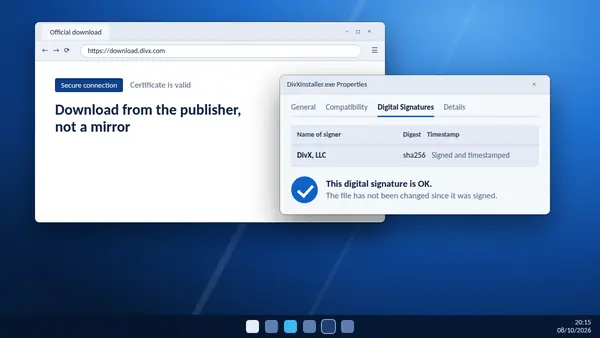
- Reinstall using a fresh installer from the download section.
Still stuck?
Note your DivX version and the details of the file, then contact DivX support through its help centre. Recent versions also have a feedback option in the Help menu.