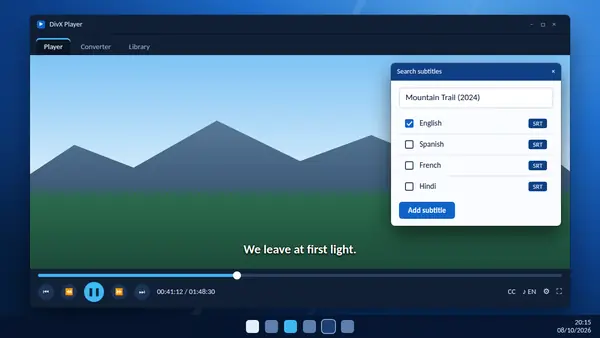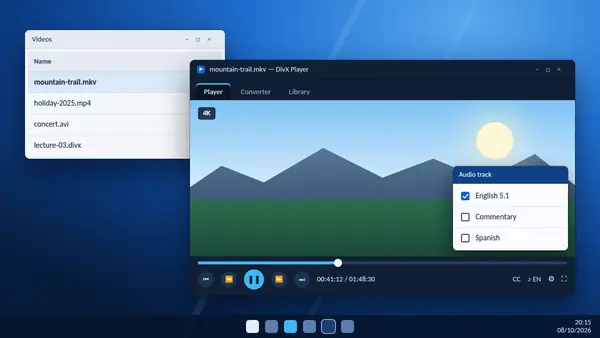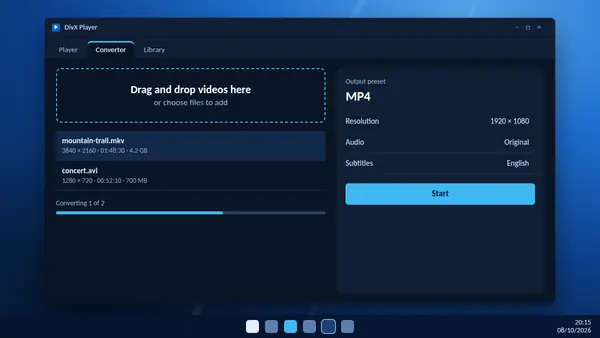
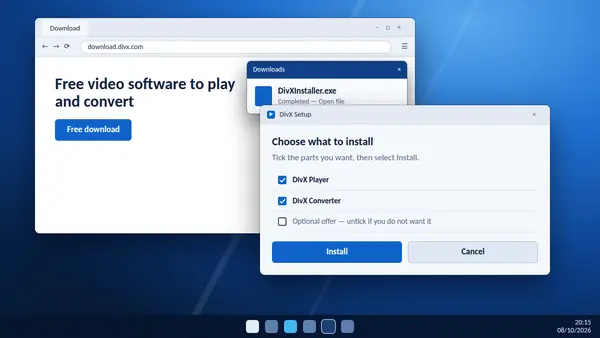
DivX Player comes as part of DivX Software, a single free application that also contains a video converter and a media library. Installing it takes a few minutes. This guide covers Windows and Mac and explains the choices the installer puts in front of you.
Before you start
- Check your system. Current releases need Windows 10 or Windows 11, or a Mac. On Windows 7 you can only use version 11.15 or earlier.
- Stay online. The installer downloads the components you select.
- Close any older DivX programs that are running.
Download the installer
Use the download buttons on our homepage. Each one links directly to the DivX download server, so you receive the current official release. Windows users get DivXInstaller.exe and Mac users get DivXInstaller.dmg.
Install on Windows
- Open
DivXInstaller.exefrom your Downloads folder. - Choose Yes when Windows asks whether the app may make changes to your device.
- Pick your language and accept the licence agreement.
- Review the list of components. Keep the player and converter ticked.
- Read every screen before you continue. If the installer presents an optional offer or a trial you do not want, untick or decline it.
- Select Install and wait for the download and setup to finish.
Install on a Mac
- Open
DivXInstaller.dmgand start the installer inside it. - Follow the prompts and enter your Mac password when asked.
- If macOS blocks the installer, open System Settings, go to Privacy & Security and allow it. DivX support also publishes help for installer issues on recent macOS versions.
Open your first video
Start DivX from the Start menu or the Applications folder. Drag a video file onto the window, or use the open option in the menu. AVI, DIVX, MKV and MP4 files play straight away.
If you want double-clicking a video to open DivX Player, right-click a file in Windows, choose Open with, select DivX and tick the option to always use it.
Free version or Pro?
Everything described here works in the free version, which shows adverts. DivX Pro is a paid upgrade that removes them and adds extra converter and cloud features. You do not need it to play video, and you can decide later.
Keeping it up to date
On Windows, DivX shows a notice when you open the program and a newer version is available. Updates bring fixes and new playback features, so it is worth accepting them.